
How Digital Stamp Cards & Points Work at Checkout
Integrating a dual digital stamp card (e.g., “Buy 9, Get the 10th Free”) and a points-per-dollar system into your table ordering checkout makes redeeming rewards seamless for guests.
- The Stamp Progress Tracker: At the final payment step, guests see a visual row of stamps (like 5 out of 10 filled). If they reach a milestone, a “Redeem Your Free Item” button unlocks directly on the checkout screen.
- The Points Slider or Toggle: Guests can view their total accrued points balance. A simple toggle or slider lets them apply points (e.g., 100 points = $5 off) directly to their current order subtotal before paying.
- Upsell Triggers: If a guest is only 1 stamp or 15 points away from a reward, the checkout screen dynamically prompts them: “Add a side or drink to unlock your next reward today!”
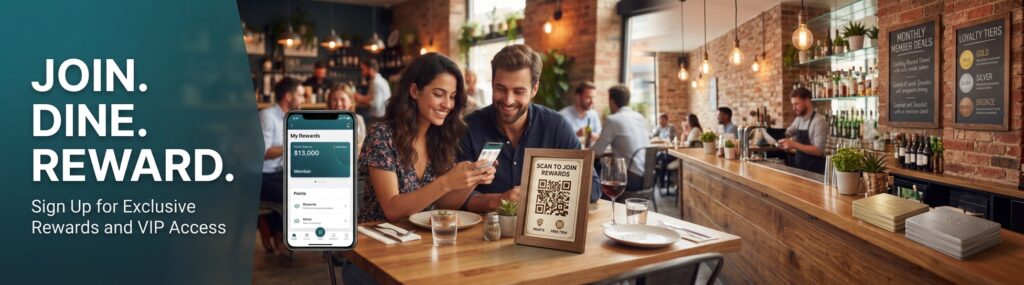
If you would like me to design a new website banner or a mobile UI mockup for this checkout screen, let me know:
- Should the banner text highlight stamps (like a free meal) or points value (like cash back)?
- What colors or branding style do you want to use?