
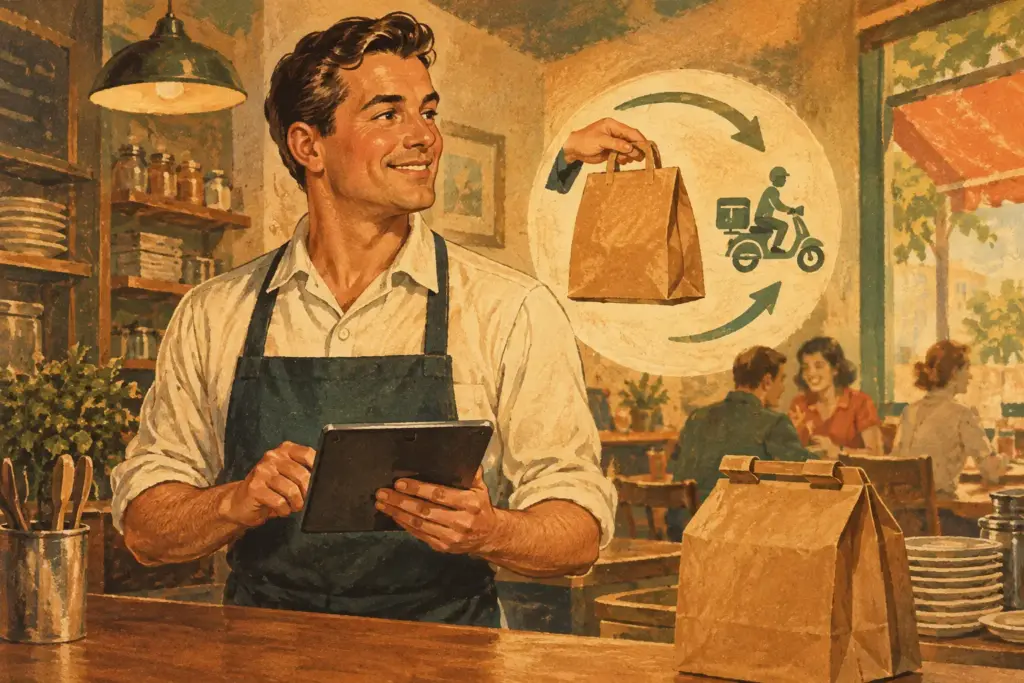
Your customers are already searching for dinner, tapping through menus and deciding where to order. If you need a GloriaFood alternative, the priority is simple: keep your online ordering open, keep the customer relationship, and do not hand a slice of every sale to a third party.
A change in ordering software can feel like another job piled on top of prep, staffing, deliveries and the Friday-night rush. But it can also be the moment to fix what was costing you orders before: a hard-to-find order button, a clunky mobile checkout, delivery zones that make no sense, or a website that looks nice but does not sell food.
Why a GloriaFood alternative needs to do more than take orders
Taking an order is the easy bit. The real work is helping hungry customers get from your Google listing, social post or regular Friday craving to a completed order without friction. Your replacement needs to protect that journey from start to finish.
That means branded ordering on your own site, rather than sending customers away to a marketplace full of competing restaurants. It means setting delivery areas that work for your drivers and your margins. It also means receiving orders quickly enough for the kitchen to act, without someone constantly refreshing an inbox.
Commission-free ordering matters because delivery revenue is not spare change. A percentage fee on every pizza, curry or family meal can quietly eat through the profit you need for ingredients, wages and drivers. A platform may look cheap at first, then charge per order, charge for payment features, or make key tools an expensive add-on. Read the small print before you move your menu.
The right system should let you take unlimited online orders for zero commission and zero per-order costs. You should know what you are paying, if anything, before the first customer presses “Place order”.
What to look for in a GloriaFood alternative
Start with the customer-facing experience. If you already have a restaurant website, you need ordering widgets that can be added where customers naturally look: in the main navigation, on the homepage and beside menu items. The ordering path should work properly on a phone, because that is where plenty of late-night orders happen.
If your current website is old, slow or missing altogether, a restaurant website builder is more useful than a widget alone. You should be able to create a branded site, add your menu, show opening times and give customers a clear route to order. No coding project. No waiting months for an agency while customers order from somewhere else.
Operational controls are just as important. Look for delivery-zone settings that let you define where you will deliver, whether that is by postcode, distance or a map area. You need the freedom to charge sensible delivery fees, set minimum order values and stop accepting orders from places that turn a profitable delivery into a loss.
Order-ahead options can keep the counter moving too. A customer collecting lunch at 12.30 should be able to choose a time, while your kitchen can plan the prep. For venues with tables, reservations should sit alongside online ordering rather than becoming another separate tool to check between service.
Finally, think about the people doing the work. Mobile order confirmations help staff see and accept orders fast. Custom kitchen tickets and customer receipts reduce mistakes, make handovers clearer and keep your branding consistent. Small details matter when ten orders land at once and the fryer is already working overtime.
Move your menu without losing a weekend of sales
No time to waste. Treat the switch as a practical service task, not a grand tech project. Build and test the basics first, then improve as you go.
Begin by collecting your current menu, prices, descriptions, modifiers and photos. Check every option customers regularly request: extra toppings, spice levels, meal deals, sides and allergen information. If a customer cannot recreate their usual order online, they may call instead or abandon the basket altogether.
Next, set your collection and delivery rules. Be honest about preparation times, busy periods and the delivery area your team can cover reliably. It is better to serve a slightly tighter zone brilliantly than accept a far-away order that arrives late and cold. Your food should be memorable for the right reason.
Then place ordering where customers will actually see it. Add the widget to an existing website or launch a purpose-built restaurant site. Make the order button impossible to miss on mobile. Put it near your menu, opening hours and contact details, not buried at the bottom like a secret recipe.
Before announcing anything, place test orders yourself. Test collection, delivery, scheduled orders, discounts and popular menu combinations. Check how the order appears for staff, how the receipt prints and what the customer receives on their phone. Ask a friend to try it without instructions. If they hesitate, your real customers will too.
Once it is live, update your social profiles, Google business details and any printed materials that mention your old ordering route. The goal is not simply to replace a link. The goal is to make your direct ordering option the easiest choice every time.
Avoid the costly replacement trap
A marketplace can bring visibility, especially when you are new or trying to fill quieter hours. There is a trade-off, though: it can charge commission, put competitors one swipe away and keep the customer relationship at arm’s length. Use it as a marketing channel if the numbers work, but do not let it become your only door to online sales.
Paid ordering systems can also make sense for some larger operations with specialist needs. Yet independent restaurants should question every fee. Are you paying monthly, per order, for extra locations, for delivery controls, or for features that should have been included from the start? A busy Saturday should raise your takings, not your software bill.
A proper direct-ordering setup gives you another route. Customers order from your own branded presence, you set the rules, and you keep the revenue from the order. That control becomes more valuable as repeat custom grows.
Ordering Website is built for operators who want that control without making online ordering a costly, complicated project. You can create a sales-ready restaurant site or add ordering to the site you already have, then manage delivery zones, order timing, reservations and receipts from one place.
Turn the change into more repeat orders
Do not just copy your old setup and call it done. Use the move to make ordering faster and clearer. Put bestsellers near the top of the menu. Group meal deals so families can order quickly. Give add-ons sensible names and prices. A customer who can add garlic bread in two taps is more likely to do it.
Your website should answer the questions customers ask before they ask them: Are you open? Do you deliver to my postcode? How long will it take? Can I collect later? Is there a vegetarian option? Clear answers reduce phone calls and let your team focus on service.
Keep an eye on what happens after launch. If customers abandon an item, check whether the description is confusing. If drivers struggle with a boundary, adjust the delivery zone. If Friday orders bunch up at the same time, encourage order-ahead collection. Your ordering system should fit your operation, not force your operation to fit the software.
The best next step is a small one: get your direct ordering route live, test it like a hungry customer would, and tell regulars exactly where to order. Your kitchen already makes the food people come back for. Make sure your website lets them buy it.